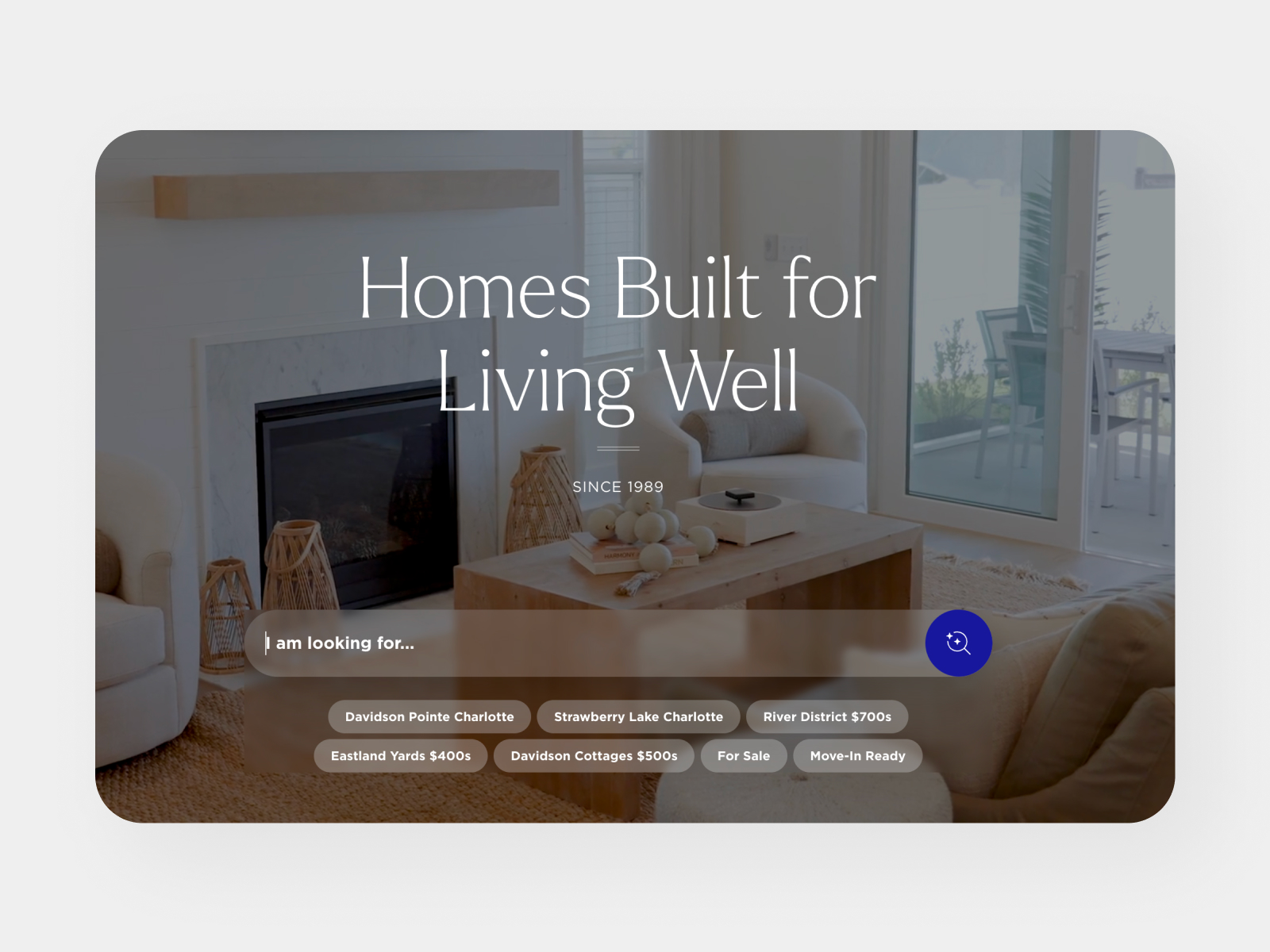
During a few multifamily development projects, we began looking for a faster, more affordable way to add motion to their renders. That's what ultimately led us down this AI image-to-video rabbit hole.
.svg)


Multifamily developers spend serious money on architectural renders of their properties. Before a single unit is leased or a wall is put up, they are marketing the feeling of what it's like to live there, and for a long time, a static render was the best way to do that. If you wanted motion, you were going back to the architect to commission a fly-through or full animation. Both of these options are time-consuming and cost-prohibitive for most developer budgets. During a few projects, we began looking for a faster, more affordable way to add motion to those renders, something that could live on the property website or be used as a social media asset. That is what ultimately led us down this AI image-to-video rabbit hole.
Our benchmark was simple: how accurately does the output reflect the original render, and is it usable on a real property website? The tool we started with was ElevenLabs, which gives you access to several image-to-video models in one place. We tested Veo 3 (Google), Sora 2 (OpenAI), and Kling across a range of property types including rooftop amenity decks, street-level exterior shots, and wide aerial context renders.
Get ready to open a can of worms. The AI models anyone can choose from change constantly. Regional availability, restrictions, and what each model excels at change all the time and with little to no warning.
After some hilarious failures (and successes?), here is where we landed for bringing real estate renders to life specifically.
Veo 3.1 is Google DeepMind's latest video generation model. Its primary use is to generate video from a text prompt or written descriptions, but it handles image-to-video reasonably well, which makes it a good candidate for our workflow. Google positions Veo as a “cinematic quality” model with strong prompt adherence and supports resolutions up to 4K when most models top out at 720p-1080p. For our purposes, this came in handy when we needed to make sure the assets were sharp and clear on modern displays and felt at home next to the static renders on the rest of the site.
After numerous attempts, VEO was the model we kept coming back to. It handled complex architectural details fairly well and was, for the most part, true to the complex prompts we threw at it. It also produces clean results at up to 4k resolution. Our biggest takeaway working with this model: Always upload your property render as the starting frame, not the image reference. Image reference is just telling your model to use your render as inspiration. Starting frame means frame one of your video is the static property render. This simple step before outputting can mean the difference between wasted credits and a high-quality, true-to-render video. For us, this simple tweak solved more hallucination problems than any prompt adjustment.
Note: Veo 3.1 has a few different sub-models to choose from. The “Lite” and “Fast” models can be good for iteration but for accurate rendering and prompt adherence, we opted for the VEO 3.1 base model.
Kling O3 stood out because of its ability to use multiple image references, giving it more spatial context about the property. We tried this model pretty early on in our exploration and had extremely successful results. This model specifically was the most accurate of any we tried and produced the cleanest results from the simplest prompts. Kling also excelled at architectural renderings and producing believable results when generating content that was outside of the initial starting frame. So why didn’t we continue to use it? Kling became regionally locked and was no longer available through ElevenLabs in the US.
Sora did a great job of animating scenes but really struggled with wider shots and was prone to a lot of artifacts and hallucinations. Camera movement using Sora was also much more glitchy, and the model produced more visual anomalies than we wanted.
Image-to-video isn't always plug-and-play. These models aren't scanning your image; they are interpreting it, so beyond the reference image, your prompt is your control. How you “direct” the model determines how much creative control it takes with your property and architecture. Things that make a real difference:
A prompt that didn't work
“Very slow, smooth orbital arc moving left to right around the tower. Dusk lighting preserved throughout. Light natural foot traffic — a small group of people walk casually and slowly along the sidewalk, a cyclist rides along the path in the foreground. One or two cars pass slowly through the street, headlights on. Parked cars along the curb remain stationary. Trees sway imperceptibly in a gentle breeze, warm uplighting on tree canopies maintained. Interior window lights glow warmly and remain static — no flickering. Sky holds its deep dusk blue tone, no cloud movement. The vertical sign on the right facade reads THE ARTISAN and must remain completely legible and unchanged. The street-level address sign reads 501 W TREMONT and must remain completely legible and unchanged. No text distortion of any kind. All architecture remains completely rigid and unchanged — brick facade, window grid, balconies, cantilevered floors, roofline, and building massing hold their exact form. There is no awning or canopy over the entrance — do not add one. No structural additions, no perspective warping, no geometry distortion. Three-quarter street-level camera angle maintained throughout.”
What happened: The model reimagined the building. We got way too granular with describing the scene and we confused the model.
The fix
“This is an architectural render. Animate it as-is. Do not change, add, or remove any buildings, structures, roads, trees, or landscape elements. The tower, the Charlotte skyline, and all surrounding areas must remain exactly as shown. Only animate: imperceptible camera float, trees swaying gently, slow cloud movement, cars moving slowly on existing roads. Nothing else changes. No new buildings. No new elements. No reimagining of any kind. Animate this scene, do not reimagine it.”
What worked: Shorter, constraint-first language gave the model less room to invent new things. Uploading as a starting frame rather than image reference was the other half of the fix.
Longer and more descriptive isn't always the answer, and the starting frame vs image reference distinction is what ultimately made the difference.
Even with its limitations, the results when it does work are pretty cool and can add real value to the property website and socials. Adding some life to a hero section elevates it from “this isn't built yet” to “this is what it will feel like to live here”. It's not a replacement for real video work, the same way the static render isn’t replacing real photographs of the property. Right now it's helping to close the gap for motion for properties that are still being realized.