Discover how Webflow website development combines visual design, AI tools, and enterprise hosting for faster, scalable sites with zero maintenance.

.svg)


Webflow is a visual web development platform, content management system, and hosting environment built into one unified tool. Unlike older platforms that require writing code line by line or relying heavily on third-party plugins, Webflow translates visual design decisions directly into clean HTML5, CSS3, and JavaScript code.
When you design on Webflow's visual canvas, you manipulate standard CSS properties like flexbox, CSS grid, padding, and position controls. Webflow compiles those visually applied styles on the fly, creating clean, standards-compliant code behind the scenes.
Here are a few core ways Webflow differs from traditional web setups:
If you are evaluating how visual web platforms stack up against legacy setups, you can learn more in our detailed answer on what is Webflow and how is it different from WordPress.
Traditional web workflows usually require a multi-step game of telephone. A designer creates a visual mock in Figma, hand-delivers static assets to a developer, and hopes the final coded product matches the original vision.
Webflow bridges that gap completely. The visual canvas serves as both the design tool and the code compiler. Developers and design technologists gain precise control over breakpoint adjustments, custom interactions, and micro-animations without maintaining separate stylesheet repositories.
Because the platform writes clean code, sites load quickly and remain accessible. It keeps site builds lightweight, structured, and resilient against unexpected browser updates.
Managing dynamic data is one of Webflow’s greatest strengths. Through native CMS Collections, you can build custom databases for blog posts, real estate listings, case studies, team profiles, or museum collections.
When setting up your content architecture, you can explore which content management systems do you work with to choose the best option for your team's operational needs.
Webflow includes an intuitive Editor interface designed specifically for non-technical teams. Marketers and copywriters can log in, edit text, swap images, and publish new CMS entries directly on the live page without touching structural layouts. This visual editing capability eliminates accidental layout breakages while preserving complete design integrity across the entire site.
For teams managing large libraries of content, Webflow scales comfortably. Many brands ask can Webflow handle large complex websites, and the short answer is yes. Webflow supports high-volume content hubs, custom multi-language setups, and thousands of CMS Collection items smoothly.
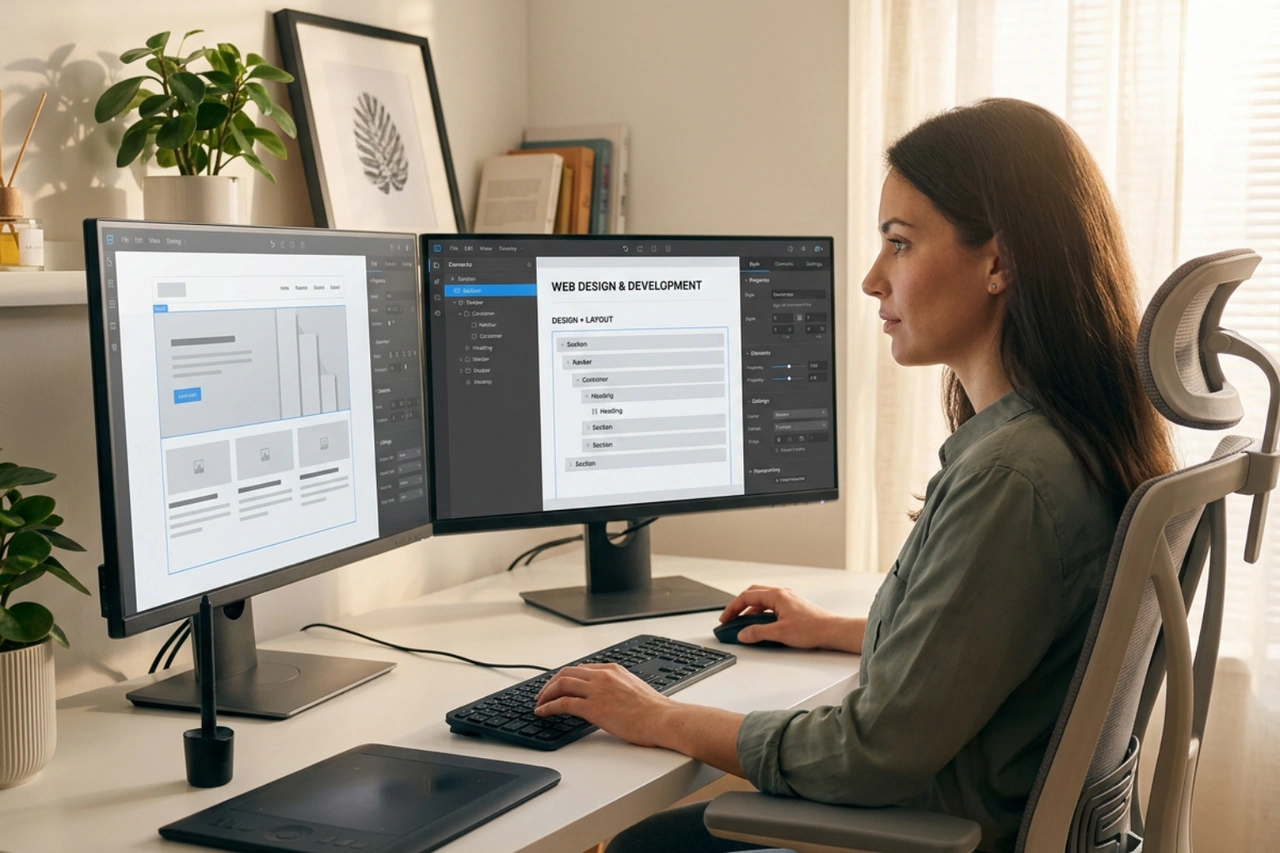
Speed and flexibility are essential for modern business websites. Webflow helps organizations launch digital products and marketing campaigns rapidly. Industry reports indicate organizations can speed up website builds by as much as 70% without sacrificing visual quality or brand polish.
Real-world statistics from major global organizations demonstrate the platform's impact:
Traditional web projects often drag on for months due to feedback loops between design reviews and frontend staging builds. If you want to know what to expect during a project timeline, read our breakdown on how long does a typical website project take.
Webflow dramatically accelerates this timeline through rapid prototyping and shared visual workspaces. Because designers build using actual HTML and CSS structures, client feedback can be implemented instantly on live interactive links.
This modern approach simplifies team collaboration. Marketing teams, design directors, and creative leads can review functional desktop and mobile layouts simultaneously, making decisions based on real web behavior rather than flat image mockups.
Security and hosting performance are top priorities for high-growth businesses. Webflow enterprise hosting is powered by Amazon Web Services (AWS) and backed by a global CDN, delivering sub-second page loads around the world.
Key infrastructure features include:
If you want to know how we safeguard client web platforms, check out our insights on how do you make sure our site runs fast and securely.
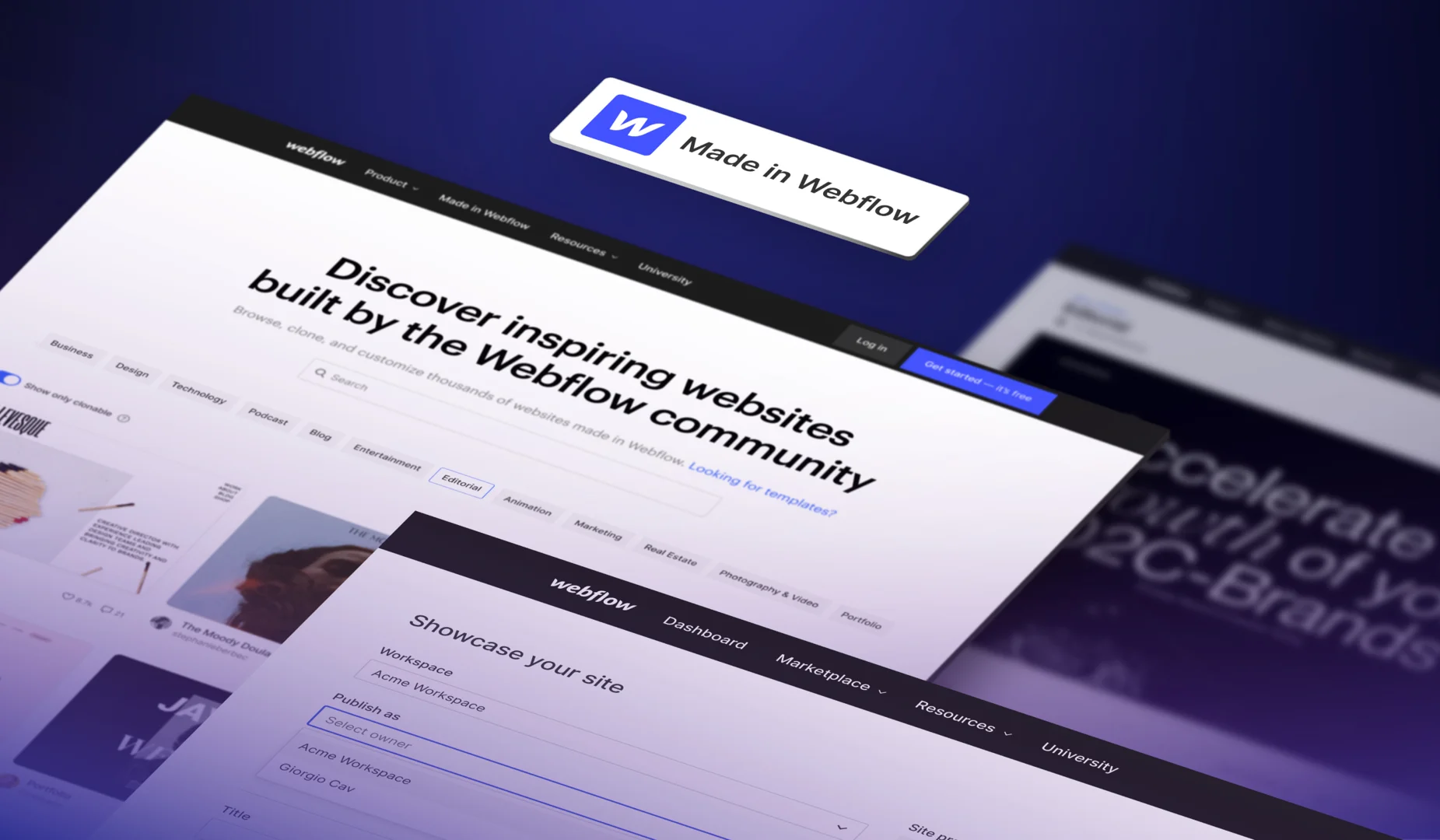
Webflow continues to push web development forward by integrating native artificial intelligence and modern agentic workflows directly into its visual ecosystem.
Using the official Webflow AI site builder, creators can transform simple text prompts into complete multi-page design systems. Unlike basic page generators that produce static, uneditable layouts, Webflow AI builds layouts using Webflow Flowkit, a modular CSS framework grounded in clean variables, components, and responsive utility classes.
To explore all the capabilities powering these visual intelligence tools, check out the main Webflow AI platform.
One of the most impressive technical developments in the platform is the Webflow Model Context Protocol (MCP) server. This tool connects Webflow directly to advanced AI development environments like Claude and Cursor.
Through intent-based APIs, AI tools can interact directly with your Webflow project structure. Developers can construct components, populate CMS collection items, translate design tokens, and update page metadata automatically using simple conversational prompts. This agentic workflow bridges the gap between AI generation and actual frontend code, allowing complex component libraries to be deployed in minutes.
As search engines move toward conversational AI models like Perplexity and SearchGPT, Answer Engine Optimization (AEO) and Generative Engine Optimization (GEO) have become critical. AI search engines cite sites that offer structured data, fast loading speeds, clean semantic HTML, and clear content hierarchies.
If you are curious how search engines evaluate visual sites, read our breakdown on is Webflow good for SEO.
Webflow gives you complete control over your technical SEO and AEO strategy:
Webflow adapts easily to a wide variety of digital business goals, whether you are launching a sleek brand campaign site or managing a global content publishing engine.
| Use Case Category | Primary Architectural Focus | Recommended Webflow Tools | Key Business Outcomes |
|---|---|---|---|
| Static Landing Pages | High-impact visuals, custom brand storytelling, conversion focus | GSAP animations, native forms, visual canvas | Sub-second load times, high conversion rates |
| Dynamic Content Hubs | Scalable content structures, deep filtering, multi-author workflows | CMS Collections, native search, Editor mode | Simple content publishing, strong SEO rankings |
| E-Commerce Workflows | Custom product pages, checkout flows, catalog organization | Webflow E-Commerce, custom cart controls | Seamless brand shopping, unified client experience |
If you are considering Webflow for online sales, check out our guide explaining is Webflow good for e-commerce.
While Webflow offers robust native tools, it also connects seamlessly with modern software stacks. You can connect your Webflow frontend to tools like Zapier, Make, and HubSpot to pass form leads directly into your sales pipelines.
For an in-depth look at syncing data across your sales tech stack, view our answer on can Webflow integrate with my CRM.
Beyond CRMs, Webflow expands through custom web integrations:
Building a website that stays maintainable as your team grows requires a clear design system. We construct Webflow sites using reusable component libraries, flexible global variables, and clear class-naming frameworks.
When launch day arrives, we want your team to feel completely confident managing the new platform. If you want to know what managing your site looks like post-launch, check out our FAQ on will our team be able to update the site after launch.
A structured design system ensures that when you update a primary brand color or font variable, that change updates across your entire site instantly. This eliminates design drift and allows internal teams to build new marketing pages quickly without breaking brand standards.
Webflow pricing depends on your specific site needs, CMS collection size, traffic volume, and required Workspace features.
For hosting, Webflow offers multiple Site Plans, ranging from basic plans for simple static landing pages to Enterprise-level plans built for high-traffic corporate sites. Workspace plans cover team seats, agency collaboration, and custom code permissions.
Because hosting, security, and content editing tools are bundled into one subscription, Webflow eliminates expensive third-party plugin maintenance and dedicated security servers. You can read a complete breakdown of platform costs in our FAQ on how much does Webflow cost.
While Webflow’s no-code and low-code visual interface makes simple sites approachable for beginners, building a highly custom, performant, and scalable business website requires deep design experience, custom code knowledge, and a strong brand strategy.
If you are deciding between DIY building or working with a team, explore our insights on do I need a developer to use Webflow.
Professional web teams bring technical knowledge in mobile responsiveness, class architecture, semantic HTML structure, and complex database management. A professional partner ensures your website functions as a strategic marketing engine rather than just a basic online brochure.
Building a website in-house often pulls internal teams away from their core day-to-day priorities. Partnering with a dedicated studio gives you access to specialized web strategy, UX visual design, custom animations, copy structuring, and SEO expertise from day one.
Learn more about the value of an expert external team in our breakdown on why should I hire a Webflow studio instead of building it myself.
An experienced agency establishes clean class structures and reusable components, ensuring your site remains fast and easy to update as your brand grows.
Choosing the right platform for Webflow website development is one of the most effective decisions a growing brand can make to accelerate its web marketing. Webflow combines visual design flexibility with powerful enterprise security, built-in SEO controls, and cutting-edge AI features, helping organizations build digital experiences that drive real revenue growth.
At Social Design House, we are a Charlotte-based 10-person creative studio operating as a fractional creative team for 16 years. We blend brand strategy, award-winning visual identity, and modern web builds to help commercial real estate firms, art and museum institutions, non-profits, wine brands, and mortgage leaders find their sweet spot.
Our approach centers on be the meeting you want to go to and we're an extension of your team. We keep web development clear, fun, and focused on tangible business results.
When you are ready to kick off your next web project, here is how we bring your vision to life:
If you are ready to expand your digital presence with high-performing visual web development, explore our full Website Design & Development Services page. Excited to continue building awesome digital experiences together!